


Last Updated: August 24, 2026
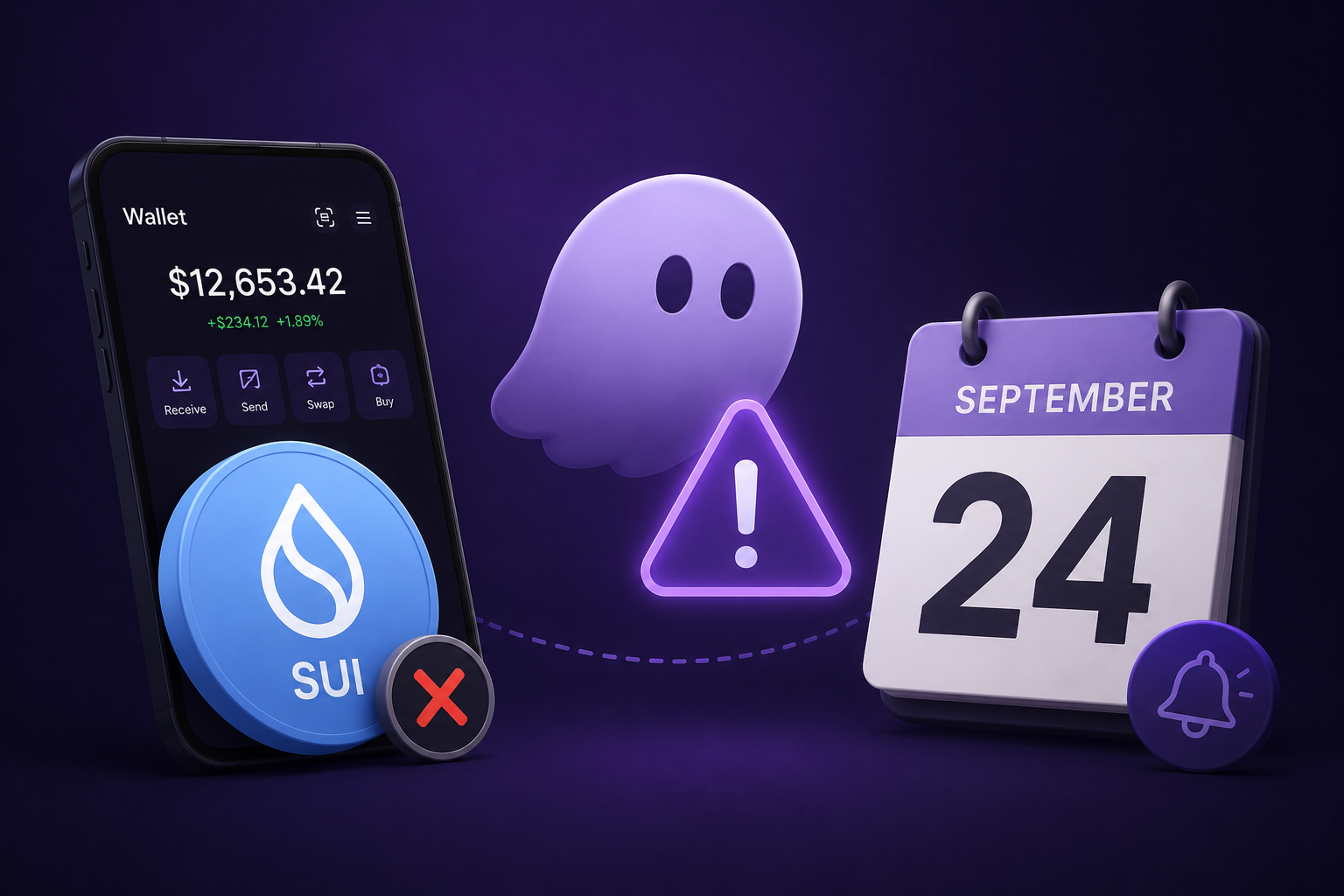
Phantom plans to end support for the Sui network on September 24, 2026. After that transition date, Phantom says users will no longer be able to view Sui balances, send or swap Sui assets, or interact with Sui applications through Phantom. The assets themselves are not being deleted: Phantom says they remain on the Sui blockchain and can be accessed through a compatible wallet using the same credentials.
Sui holders have two official options:
- Option-1: They can either swap their Sui assets inside Phantom before the transition date
- Option-2: import the wallet credentials into another wallet that supports Sui.
Missing the date does not delete the assets, but Sui access through Phantom will stop.
What exactly is changing on September 24?
Phantom is ending its support for the Sui network inside the Phantom app. This is a wallet-integration change, not a shutdown of the Sui blockchain and not a transfer of ownership away from users.
According to Phantom’s official Help Center, the following Sui-related functions will no longer be available in Phantom after the transition date:
- Viewing Sui balances in Phantom.
- Sending Sui assets from Phantom.
- Swapping Sui assets through Phantom.
- Viewing Sui in Phantom’s network list.
- Interacting with Sui applications through Phantom connections.
Phantom and Sui described the change as a mutual decision and left open the possibility of exploring future collaborations. That statement does not guarantee that Sui support will return.
Your assets are not lost. They remain on the Sui blockchain and can be accessed using a compatible wallet with the same credentials.
Are SUI and other Sui assets being lost?
No. Phantom states that ending support changes what Phantom displays and supports; it does not delete assets from the Sui blockchain. Access remains possible through a compatible Sui wallet using the credentials that control the address.
This does not mean that every wallet will automatically show the assets. The replacement wallet must support the Sui network and the relevant assets or applications. Users must also protect the recovery phrase or private key controlling the wallet.
Key distinction: Phantom is the application interface. The blockchain records the assets and transactions. If a wallet application stops supporting a network, the on-chain assets can still be accessed through another compatible application when the user has the correct credentials.
What are the two choices for Sui users?
Phantom’s official transition guide provides two routes: swap Sui assets to a network Phantom continues to support, or move the wallet to another application that supports Sui.
| Option | Best for | What happens to your Sui assets? | Main caution |
|---|---|---|---|
| Swap inside Phantom | Users who do not need to keep their assets on Sui | The Sui asset is exchanged for a supported asset or wrapped SUI on Solana. | Fees, exchange rates, network conditions, and asset availability apply. |
| Move the wallet to a Sui-compatible app | Users who want to continue holding or using Sui assets | The assets remain at the same on-chain address when the correct credentials and wallet configuration are used. | Never share the recovery phrase with another person or an unsolicited support account. |
How can users swap Sui assets inside Phantom?
Users who want to continue using Phantom without Sui can swap their Sui assets to an asset on a network supported by Phantom before September 24, 2026.
- Open Phantom in the mobile app or browser extension.
- Choose the Sui asset you want to swap.
- On mobile, select Trade, then Sell. In the browser extension, select Swap.
- Choose the asset you want to receive.
- Review the quoted amount, network, and applicable fees.
- Confirm the swap only after checking the details carefully.
Fee warning: “Phantom fee waived” does not mean that a swap is free. Network fees and exchange fees may still apply, and the quoted rate can affect the amount received.
What does wrapped SUI on Solana mean?
Wrapped SUI on Solana is a Solana-network asset that represents SUI in a form usable within Solana’s ecosystem. It is different from native SUI on the Sui network, so users must read the asset name and network shown in Phantom before confirming a swap.
Phantom’s transition guide specifically links to the wrapped SUI asset on Solana. Users should not assume that a token with a similar name is the correct asset. They should use the asset and network displayed by Phantom and confirm that any destination platform supports that exact asset.
How can users move their wallet to keep using Sui?
Users who want to continue holding native SUI or using Sui applications should import the wallet into another application that supports Sui. Phantom’s official guide names Slush as the Sui Foundation’s recommended wallet for this transition.
- In Phantom, open Settings.
- Go to Security & Privacy.
- Select Show Recovery Phrase.
- Write down the Secret Recovery Phrase and store it securely offline.
- Use the official Slush website to access the Sui-compatible wallet.
- Import the Secret Recovery Phrase into the compatible wallet by following that wallet’s official instructions.
- Confirm that the expected Sui address and assets appear before using the wallet.
Phantom says the existing address and assets should appear automatically when the same credentials are imported into a compatible wallet. It also says that users who imported additional recovery phrases or private keys into Phantom must export and import each relevant credential separately.
The Sui documentation explains that self-custody wallets depend on recovery credentials. If a user loses both the device and the recovery phrase, access to the assets may be permanently lost.
Can users migrate before or after September 24?
Yes. Phantom says users can move the wallet to a compatible Sui application before or after the transition date. There is no stated deadline for accessing the on-chain funds after Phantom support ends.
However, moving before the transition date may be more convenient because users can still view their Sui balances in Phantom while checking the destination wallet. Users should not delay if they are unfamiliar with recovery-phrase imports or need time to verify their assets and application connections.
What security precautions should users follow?
The transition creates an opportunity for scammers to impersonate Phantom, Sui, or Slush. Phantom explicitly warns that it will never message users first, ask for a Secret Recovery Phrase or private key, or offer to move assets for them.
- Never send a recovery phrase or private key to a person, website, or support account.
- Do not enter recovery credentials into links received through unsolicited messages.
- Use Phantom’s official Help Center and the official Slush website rather than copied links.
- Check the wallet address and network before approving a transaction.
- Keep the recovery phrase offline and do not store it in a public document, chat, email, or screenshot.
- Ignore anyone who claims they can “recover,” “unlock,” or “migrate” the assets for you.
“Phantom will never message you first, ask for your Secret Recovery Phrase or private key, or offer to move your assets for you.”
What should users check before taking action?
Before swapping or importing a wallet, users should identify which assets they hold, whether they need native Sui access, and whether any Sui applications or staking positions require a separate reconnection or recovery process.
| Check | What to confirm |
|---|---|
| Assets | List your native SUI and other Sui-based assets before choosing a swap or wallet migration. |
| Credentials | Confirm that you have the correct recovery phrase or private key for every wallet imported into Phantom. |
| Destination wallet | Use a wallet that explicitly supports the Sui network and the assets or applications you need. |
| Network | Distinguish native Sui from wrapped SUI on Solana and verify the network before approving a swap or transaction. |
| Fees | Review the final quote and all displayed network, exchange, or transaction fees. |
| Application connections | After migration, reconnect to Sui applications through the compatible wallet rather than Phantom. |
Frequently Asked Questions (FAQs)
Q: Will my SUI disappear from Phantom on September 24, 2026?
A: Phantom says it will no longer display Sui balances after the transition date, but the assets remain on the Sui blockchain and are not deleted.
Q: Can I still access my Sui assets after September 24?
A: Yes. Phantom says you can restore access through a compatible Sui wallet using the same recovery phrase or private key.
Q: Is the Phantom swap fee waiver available for every asset?
A: No. Phantom specifically says its fee is waived for cross-chain swaps from native SUI to wrapped SUI on Solana through the transition date. Network and exchange fees still apply, and standard fees apply when swapping to another supported asset such as SOL, ETH, or USDC.
Q: Is Slush the only wallet I can use?
A: No. Phantom says users can move their wallet to another application that supports Sui and names Slush as the Sui Foundation’s recommended wallet. Any replacement wallet should be verified independently and should explicitly support Sui.
Q: Will my Sui dApp connections continue working through Phantom?
A: Phantom says Sui connections through Phantom will stop working after the transition. Users should reconnect through the compatible wallet in which they imported their credentials.
Q: Can Phantom support staff migrate my wallet for me?
A: No. Phantom warns that it will not contact users first, request recovery phrases or private keys, or offer to move their assets. Anyone making that request should be treated as a scam.
Disclaimer: This content is for informational and educational purposes only and does not constitute financial, investment, legal, or tax advice. Cryptocurrency investments involve significant risk, including possible loss of funds. Always do your own research and consider seeking professional advice before making any investment decisions.